

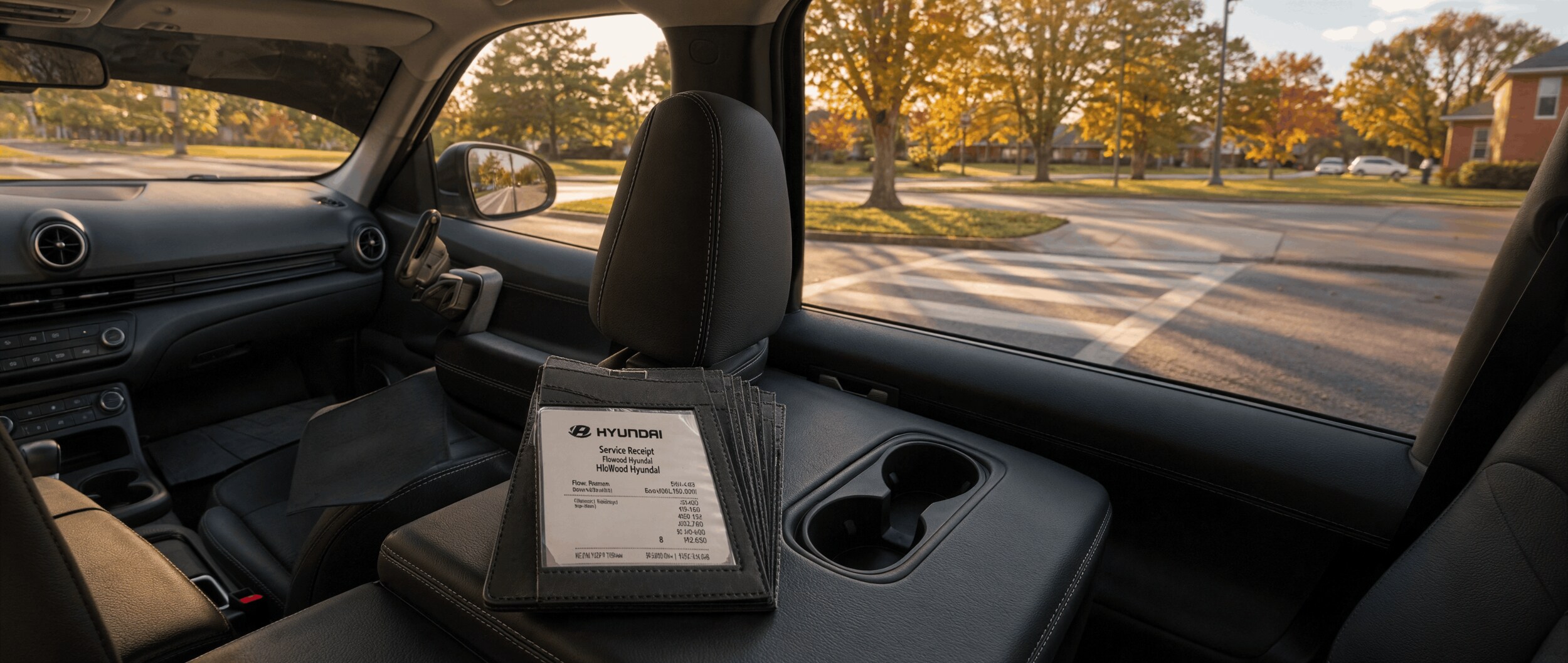
Why hold onto every Hyundai service record? Because the owner materials ask you to retain maintenance records so you can show that required maintenance has been performed, and that documentation becomes critical the day a service question comes up (it matters for resale value too).
Building the record takes about two hours and a folder, and the plan below walks you right through it.
A well-documented Hyundai like the Tucson holds its trade-in value and a clean service history through every interval, but only if the paper trail exists.
What's the Route?
The four stops below aren't real destinations around town, they're the four milestones that turn a shoebox of loose receipts into a documentation file your service advisor or a buyer can actually use. Work through them in order. One Saturday morning is enough.
| Stop | Time needed | What you do | What to have ready |
|---|---|---|---|
| 1. Gather | 20 min | Pull every piece of paper tied to your Hyundai from wherever it lives right now | Glove box, home filing cabinet, email inbox, the dealer's online portal |
| 2. Sort | 25 min | Arrange chronologically by date and odometer reading; flag any gaps | A marker, sticky notes, your owner's manual open to the service schedule |
| 3. Photograph and back up | 15 min | Snap every receipt; upload to a cloud folder | Your phone, a free cloud-storage account |
| 4. Package and store | 10 min | Seal originals in a labeled accordion folder; keep it with the owner's manual | The folder, a permanent marker |
The Four Stops in Detail
Stop 1. Gather everything
Start with the glove box, then the home filing cabinet, then your email (search "Hallmark Hyundai" or "oil change" or "service invoice"). Add dealer visit summaries from your MyHyundai account if you've registered your vehicle there. The goal at this stop is a single pile, and organized chaos is fine for now. Our service team at Hallmark Hyundai Flowood records every visit in our system, and we can print a summary of work done here if gaps show up.
If you bought your Hyundai used, pull in any documentation the previous owner transferred. The owner's manual specifically states that maintenance receipts should travel with the vehicle from owner to owner. If yours came without them, note that gap and document everything forward from your purchase date.
Stop 2. Sort by date and odometer
Lay everything out in date order and cross-reference it against the maintenance schedule in your owner's manual. Flag any service intervals where you've got no receipt, and treat those gaps as exactly what a careful buyer will ask about when you go to sell.
Every model has its own schedule. The schedule shows the intervals that matter.
A quick word on independent-shop work. Receipts from a licensed shop other than a dealership are valid documentation. What matters is that the work was done on schedule, that the correct fluids and parts specifications were used, and that you've got a dated, mileage-stamped receipt. Don't skip the receipt because you trust the shop. The receipt is the proof.
If you're shopping pre-owned and the seller can't produce sorted records, that's a real gap in the vehicle's history, not a minor inconvenience.
Stop 3. Photograph and back up
A fire, a flood, a glove-box theft. Physical records carry real vulnerabilities. Photograph every receipt once you've sorted them and drop the images into a dated cloud folder. The whole thing takes about 15 minutes when everything's already in order. The backup means that if your physical folder is ever lost, you can still produce documentation for a service question or a sale. Keep the folder name simple, your vehicle's year, model, and VIN.
Rankin County drivers who run the Lakeland Drive and I-20 corridor daily accumulate mileage quickly. More mileage means more service intervals, and more intervals mean more receipts to track. Getting the backup system in place early is a lot easier than reconstructing two years of history when a service question comes up. Longer-haul vehicles like the Santa Fe often see 15,000-plus miles in a single year on this side of the metro, and a full year's documentation can easily mean four to six receipts.
- [ ] Collected all physical receipts from the glove box and home files
- [ ] Searched email for digital service confirmations
- [ ] Checked MyHyundai account for visit summaries
- [ ] Sorted receipts in chronological, odometer order
- [ ] Compared sorted receipts against the owner's manual service schedule
- [ ] Flagged any gaps in the maintenance timeline
- [ ] Photographed every receipt
- [ ] Created and named a cloud backup folder (Year/Model/VIN)
- [ ] Filed originals in a labeled accordion folder
- [ ] Stored the folder with the owner's manual
Stop 4. Package, store, and pass it on
The physical folder goes with the owner's manual. Full stop. When you sell the vehicle, whether as a private sale or a trade-in, those documents transfer to the next owner. The owner's manual is explicit, receipts for maintenance service should be retained with the vehicle and transferred to subsequent owners.
That's more than a courtesy. A complete documentation file genuinely affects what a buyer or trade-in appraisal will reflect. A vehicle with a clean, chronological service file is an objectively lower-risk purchase than the identical vehicle without one. That difference shows up in trade-in negotiations, full stop.
Tweak It to Your Crew
The basic system above works fine for a single vehicle, but scale it up a notch for a household running two or three Hyundais, with one accordion folder per vehicle, labeled by VIN and stored together. If a family member handles most of the service, they should know where the folder lives, and that every receipt goes in it right after the visit.
For owners who'd rather keep fully digital records, the same logic holds. Run one dated cloud folder per vehicle, every receipt photographed and named with the date and odometer reading. The critical step is backing up. A folder that lives only on one phone is one cracked screen away from disappearing.
One honest trade-off is worth naming. If you've been driving your Hyundai for a few years without keeping any records, reconstructing the history is real work. It isn't impossible (our service department can print a summary of every visit we've done), but private-shop visits may be harder to recover. Start from today. A partial record that's complete from a certain date forward still beats no record at all.
Three-row vehicles like the Palisade that see heavy family use tend to carry the most complex service histories. Multiple drivers, school runs, long weekend trips, and they're exactly where good documentation earns its keep at trade-in time.
Schedule Your Next Hyundai Service Visit
Whether you're a few months into ownership or coming up on a major interval, our service team documents every visit and can help you identify where your records stand.


